The Problem
Right-to-left PDFs may show pages or swipe direction in the wrong order.
A viewer for right-to-left PDFs and Japanese books
MihirakiPDFViewer is a simple PDF viewer designed for right-to-left books and Japanese publications. It reads page layout and direction settings, then lets you switch smoothly between single-page and two-page viewing.
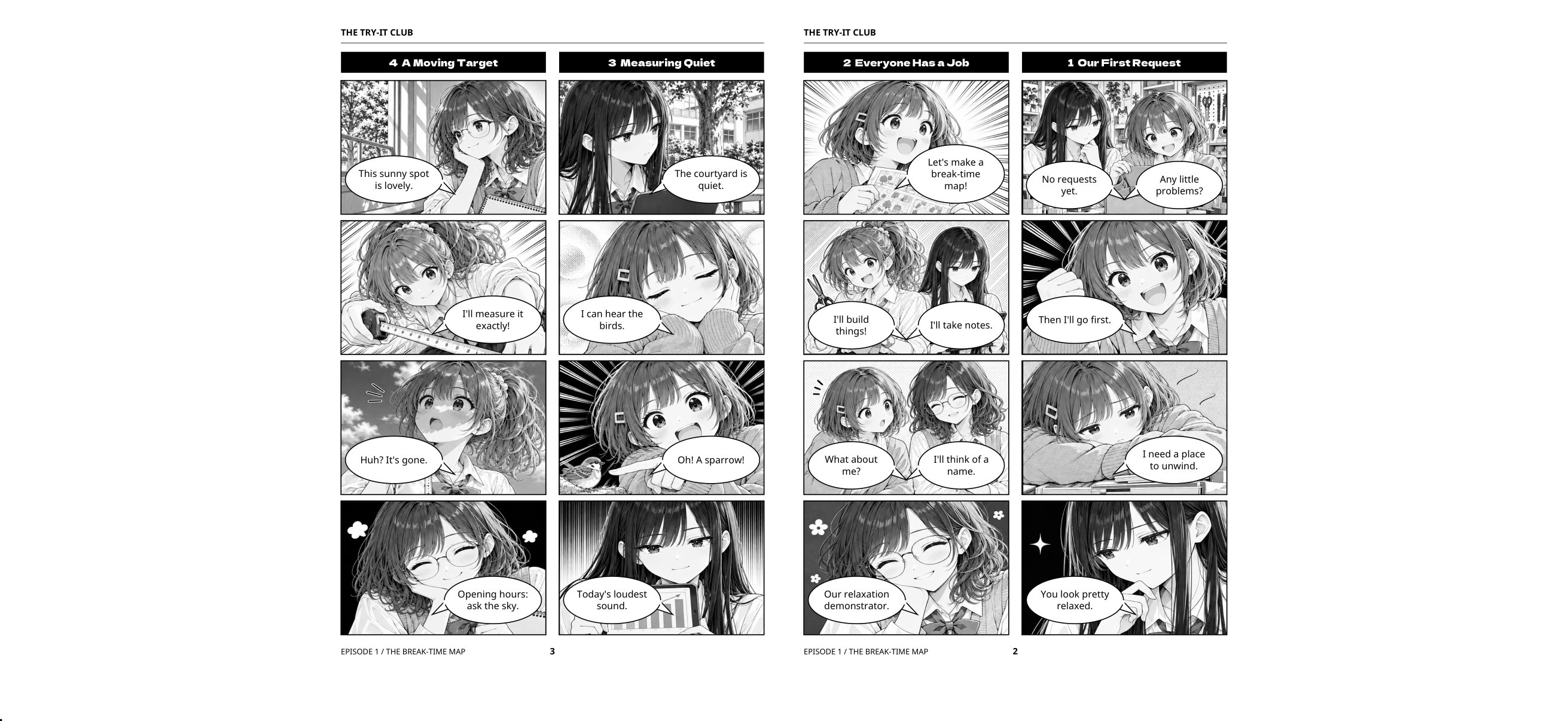
Standard PDF viewers do not always display right-to-left books or two-page PDFs the way you expect. MihirakiPDFViewer reads the document settings and presents pages in a flow that matches the way the book should be read.
Right-to-left PDFs may show pages or swipe direction in the wrong order.
The app detects direction and layout settings, then arranges spreads naturally.
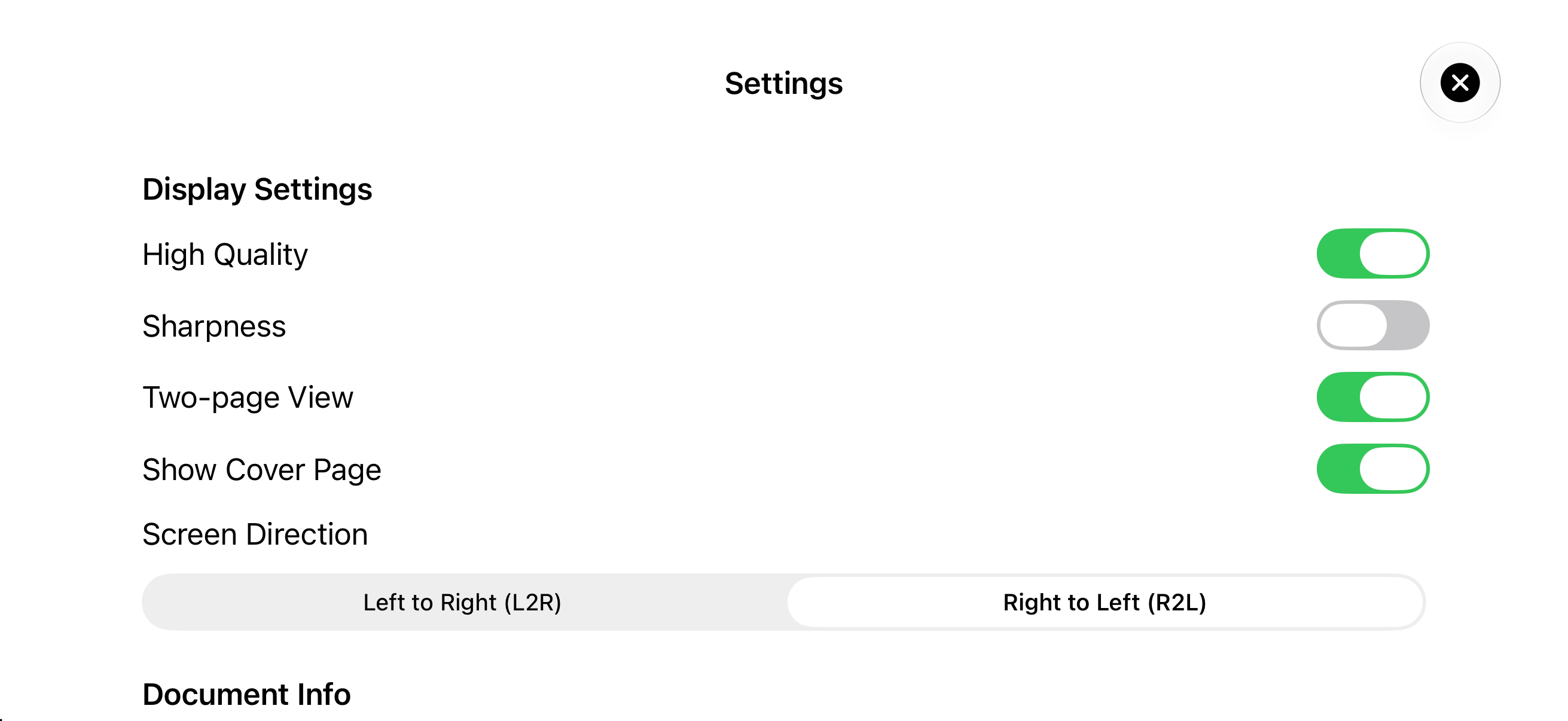
Zoom, search, high-quality rendering, and sharpness help with small text.
Essential PDF reading controls in a clean, focused interface.
Switches page movement between L2R and R2L based on the PDF direction.
Read with a layout that fits the document, with cover handling when needed.
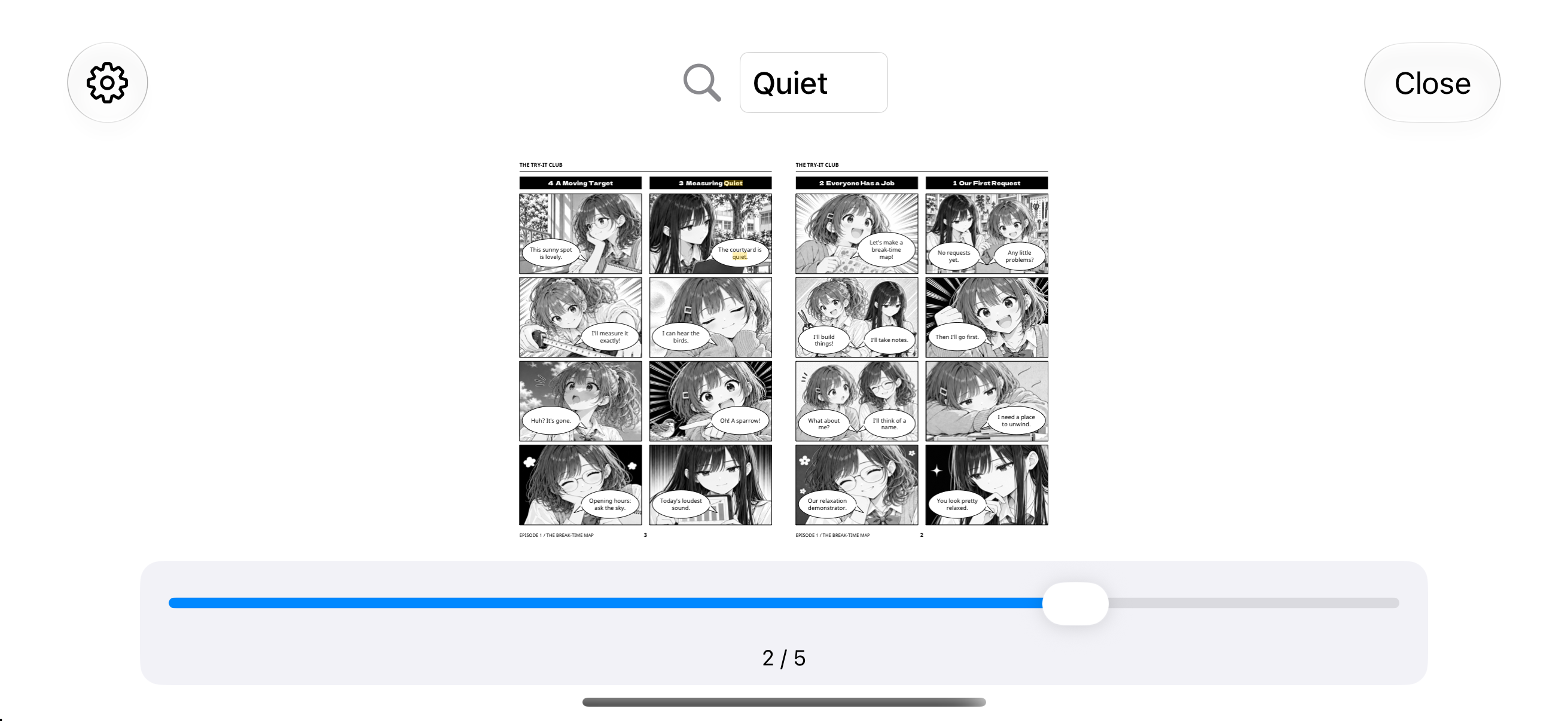
Search text inside the PDF and pinch to zoom in on the area you need.
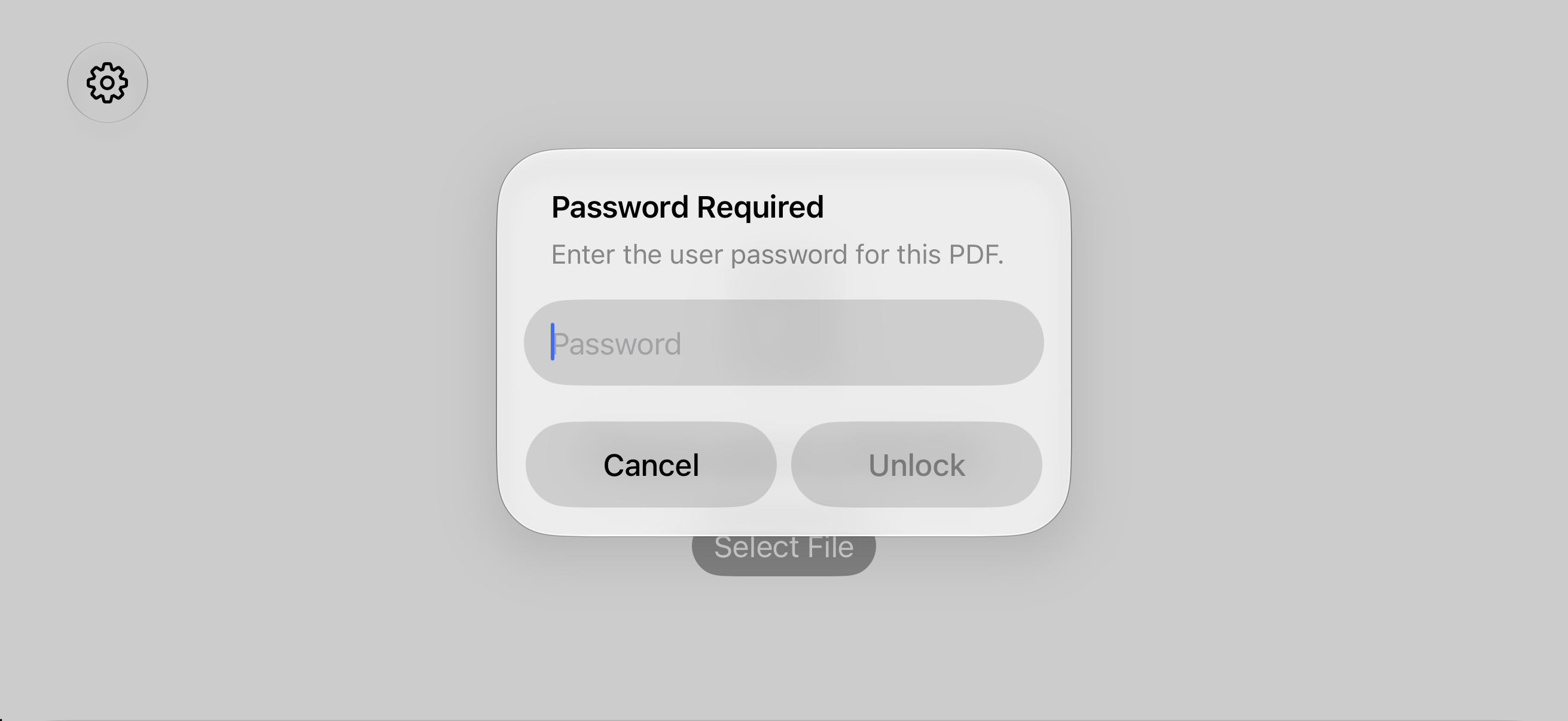
Open PDFs that require a user password and continue reading after unlock.
From the bottom of Settings, run app information, local storage, and PDF rendering checks, or review diagnostic logs for crashes, slowdowns, operation issues, and display issues. Test results include the test time, device name, OS version, and app version. Logs never include personal information, file contents, file names or paths, search terms, or passwords, and are deleted after 24 hours. Nothing is sent automatically; results and logs leave the device only when you explicitly use Share.
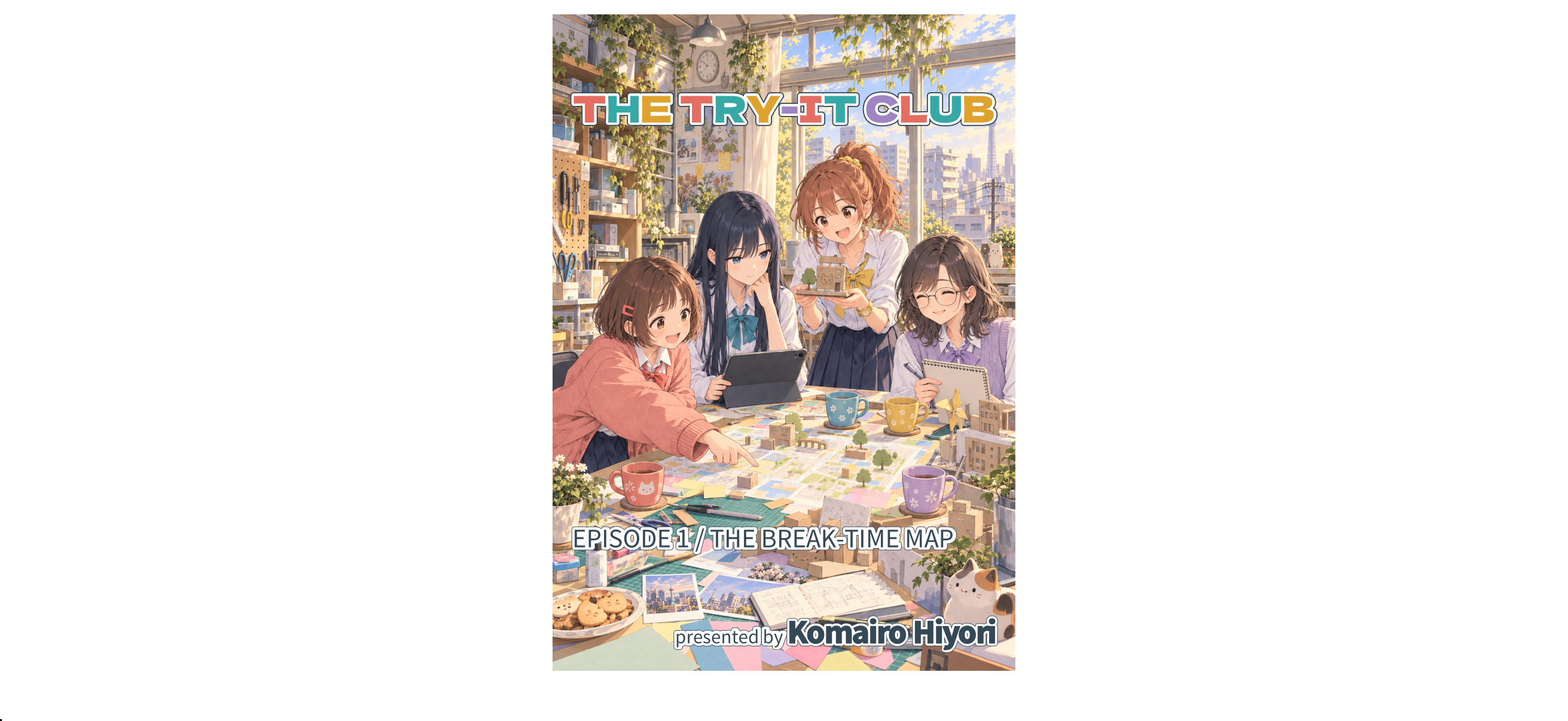
For anyone who wants to read right-to-left PDFs on iPhone or iPad.
Move through right-to-left books in a way that feels closer to paper.
Keep left and right pages connected in two-page view.
Use search and zoom to inspect the exact section you need.
THE TRY-IT CLUB EPISODE 1 THE BREAK-TIME MAP (English)
THE TRY-IT CLUB EPISODE 2 ROOM TO GROW (English)
THE TRY-IT CLUB EPISODE 3 (English)
© 2026 Komairo Hiyori
The portions of this work for which the publisher holds copyright or other licensable rights are made available under the Creative Commons Attribution 4.0 International License (CC BY 4.0).
https://creativecommons.org/licenses/by/4.0/
When reusing this work, provide the title of the work, the author name “Komairo Hiyori,” the original source, and a link to the license. Indicate whether any changes were made.
Generative AI was used to create and translate the text and images in this work. Materials owned by third parties, such as fonts, are subject to their respective licenses. This notice does not restrict the use of any parts that are not protected by copyright or other rights.
After the App Store release, replace this button with the App Store URL.